
Try it yourself
Click through a real service visit in FlameTech. No account, nothing to install. Five short demos follow one customer from check-in to payment; start with any of them.

Check in a vehicle
Find Ryan and his Camry, capture the concern, pick the inspection the app recommends, and hand the work to the bay.
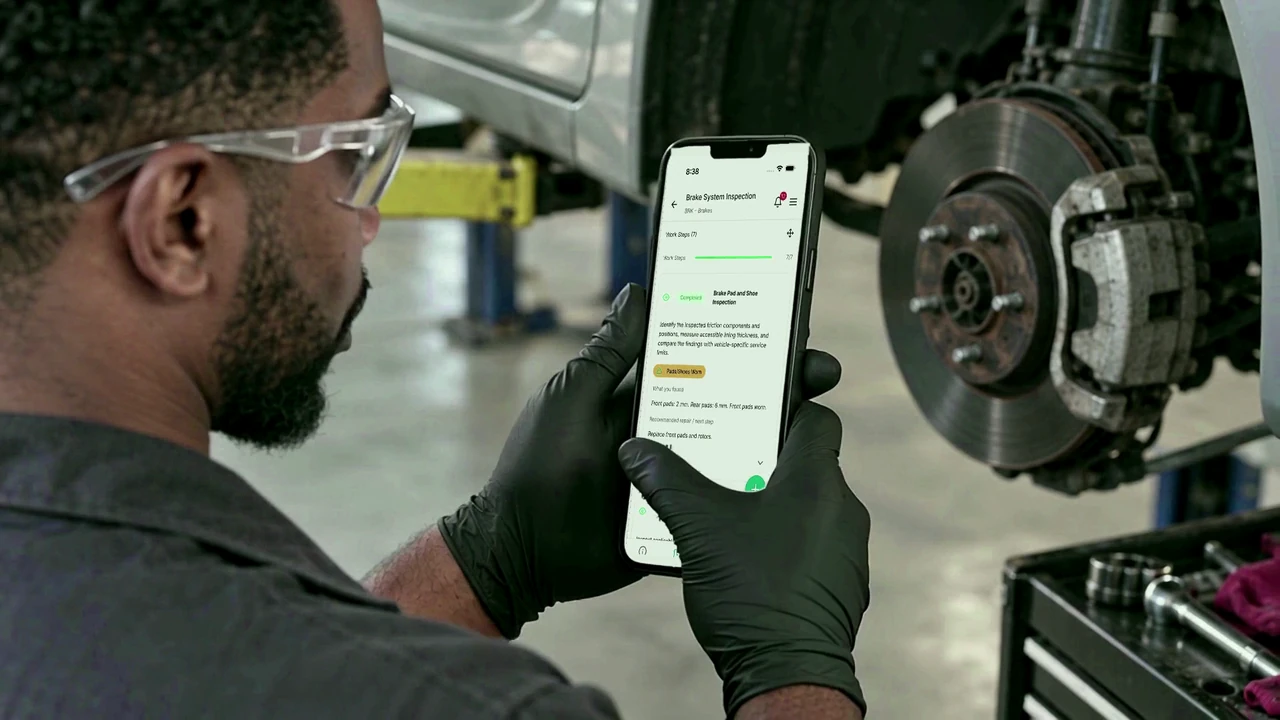
Inspect the brakes
One tap for what is fine. Readings, danger levels and a circled photo for what is not.
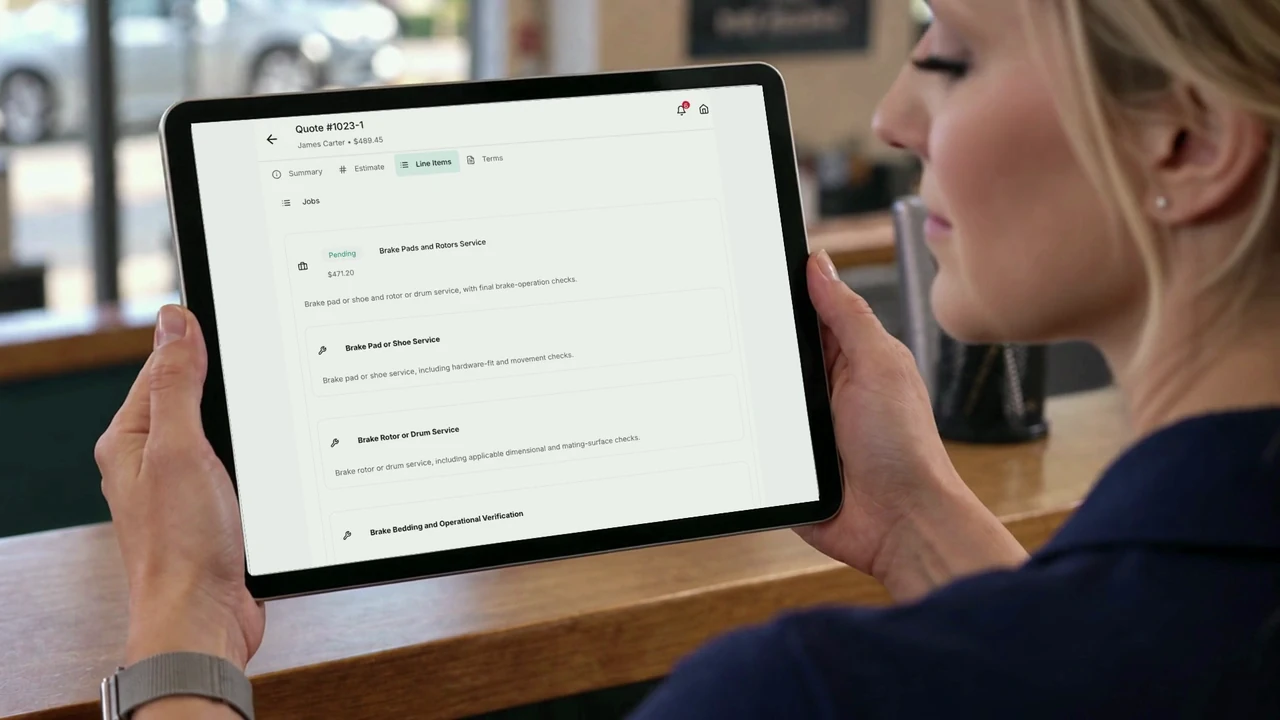
Write the quote
Pull the repair from a template, add labor and parts, and the inspection photos ride along to the quote.
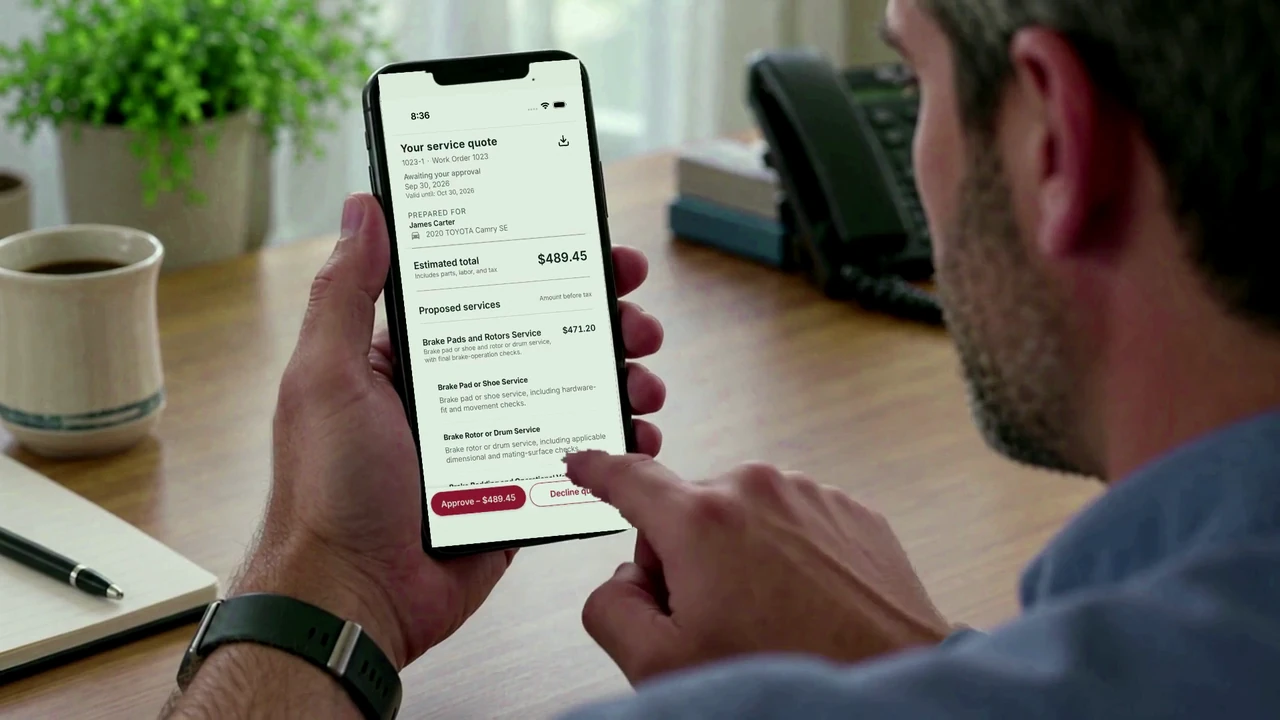
Approve from the phone
Open the quote the way the customer does, read the findings and photos, and approve with a name.
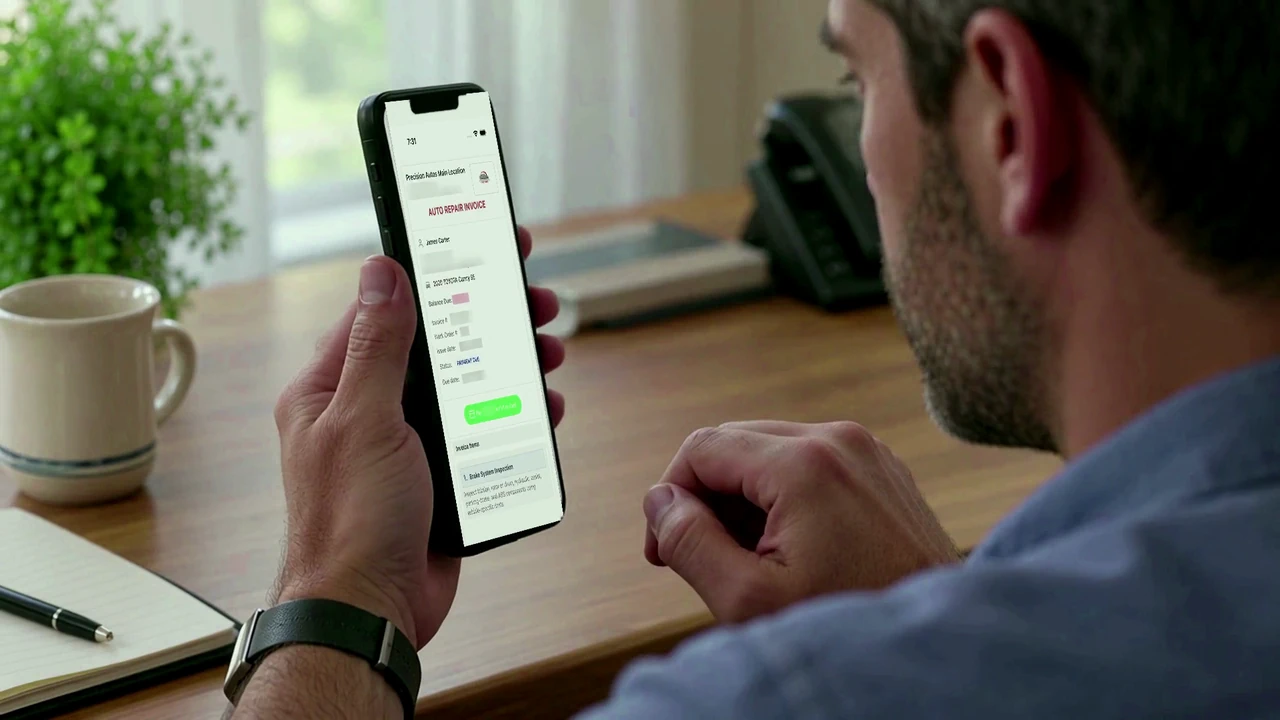
Invoice and get paid
Bill the finished work, send the link, take the payment online or at the counter, and collect a review.
Each demo is a click-through of real app screens with fictional shop records, hosted by Supademo and loaded only when you press a button. Prefer a narrated walkthrough? Watch the tutorials, or start free and try it in your own shop.